Aiagen Documentation
Welcome to Aiagen ! Get familiar with the Stripe products and explore their features:

Working with Doc
You can any work by following our docs

Formatting Content
Our content is more formating for your website

Perfect Responsive
Our Template is full Perfect for all device. You can visit our template all device easily.

Sass Available
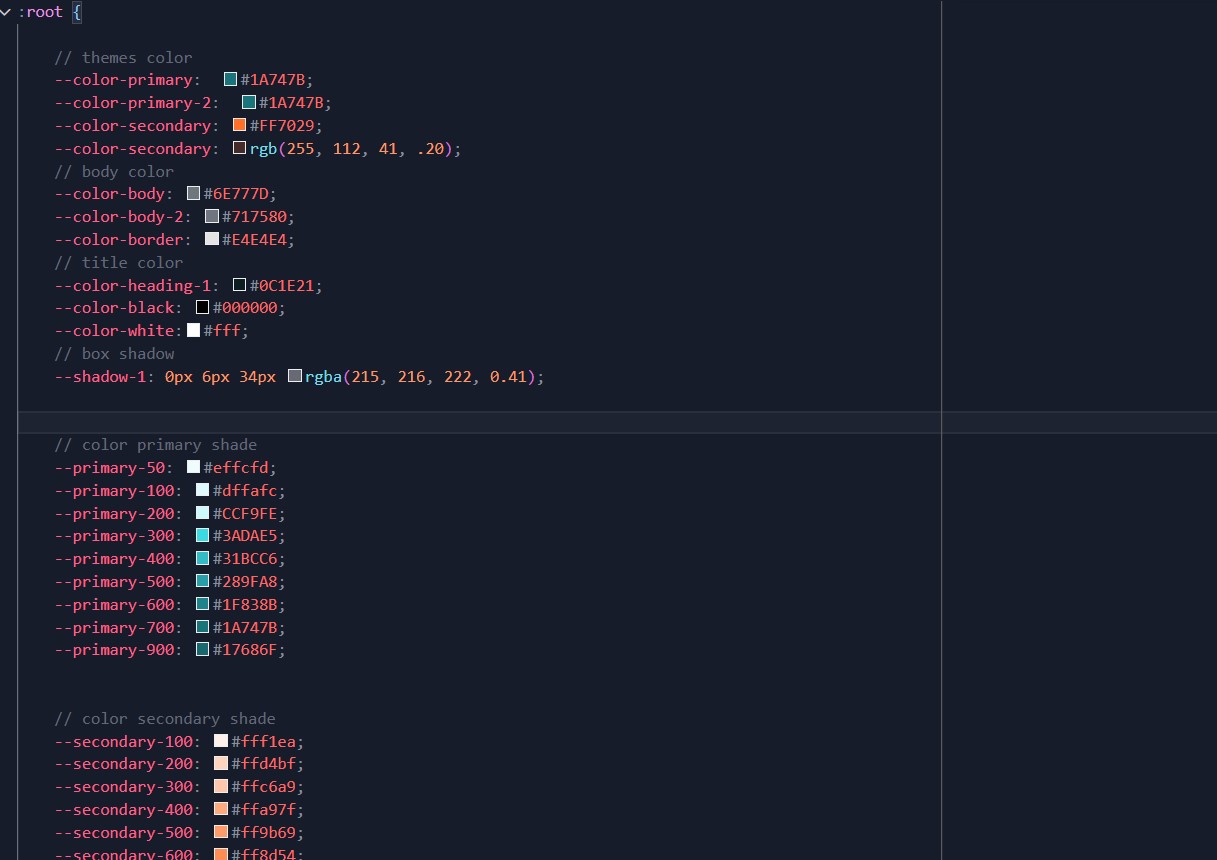
The tamplate has Sass available for css. You can Change css by sass
Fast Loading Speed
Aiagen is faster loading speed. Aiagen create your template so much faster

24 Support System
We are provide 24 hours support for all clients.You can purchase without hesitation.
Getting Started
Welcome to Aiagen - AI Agency & Technology HTML Template! Get familiar with its features and explore powerful tools designed for modern AI, technology, automation, and digital agency websites:
About – Aiagen - AI Agency & Technology HTML Template Aiagen is a modern, creative, and high-performance AI Agency & Technology HTML Template, built with HTML5, Bootstrap 5, and a clean component-based structure. It is designed for AI startups, technology companies, automation agencies, SaaS platforms, machine learning services, digital product teams, and next-generation software businesses.
The template comes with professionally designed layouts, modern UI sections, smooth animations, responsive components, and reusable blocks that help you build a powerful online presence for your AI-focused brand. From hero sections, service showcases, feature areas, portfolio layouts, pricing tables, testimonials, blogs, contact pages, and essential inner pages, Aiagen includes everything needed to present your business clearly and professionally.
Whether you're launching an AI agency website, promoting an automation platform, showcasing machine learning solutions, building a SaaS product landing page, or presenting technology services, Aiagen provides a flexible and developer-friendly foundation to create a polished website quickly.
Aiagen is fully responsive, SEO-friendly, performance-optimized, and easy to customize. Its clean code structure, organized assets, and Bootstrap 5 framework make it simple for developers and designers to modify sections, update content, change colors, and create unique pages based on project requirements.
It is the perfect AI and technology HTML template for companies looking to launch a modern, professional, and future-ready website with speed, clarity, and strong visual impact.
Aiagen Core Features
- HTML5 & CSS3
- Responsive layout (desktops, tablets, mobile devices)
- Built with Bootstrap v5.3.2
- Well structured code
- Contact Form Working
- Hinted Typography
- Sass Available
- W3 Valid 100%
- Fast Loading Speed
- Cross Browser Support
- Modern Modal Popup
- Interactive Lightbox Gallery
- Modern Blog Pages
- SEO-Friendly Clean Code
- Smooth Animations
- Reusable UI Components
- Retina Ready Design
- Dedicated Support, Lifetime Updates
- And much more …
What's Included
After purchasing Aiagen template on templateforest.net with your Envato account, go to your Download page. You can choose to download Aiagen template only or the entire Aiagen template package which contains the following files:
- Aiagen template: A .zip file with all .html files with all necessary assets.
- Documentation: An HTML format documentation.
- Licensing.
How to Install Aiagen Website Templates
Installing a Aiagen template is not like installing a WordPress or CMS theme. In fact, the word “installation” doesn’t really apply to Aiagen. Why? Because you don’t actually install anything. Aiagen, like any HTML template, is automatically rendered directly by the browser.
1. Editing Aiagen Template
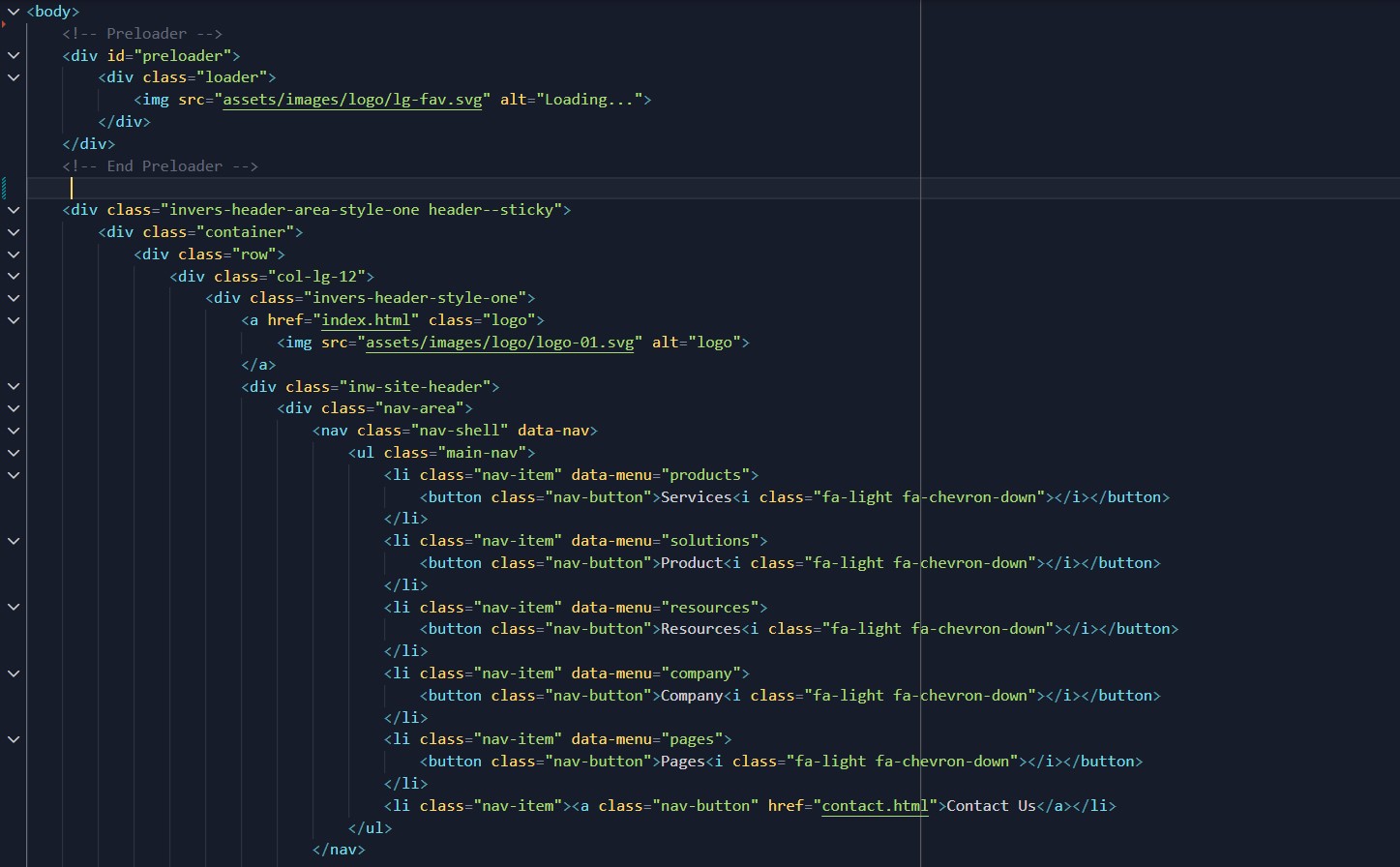
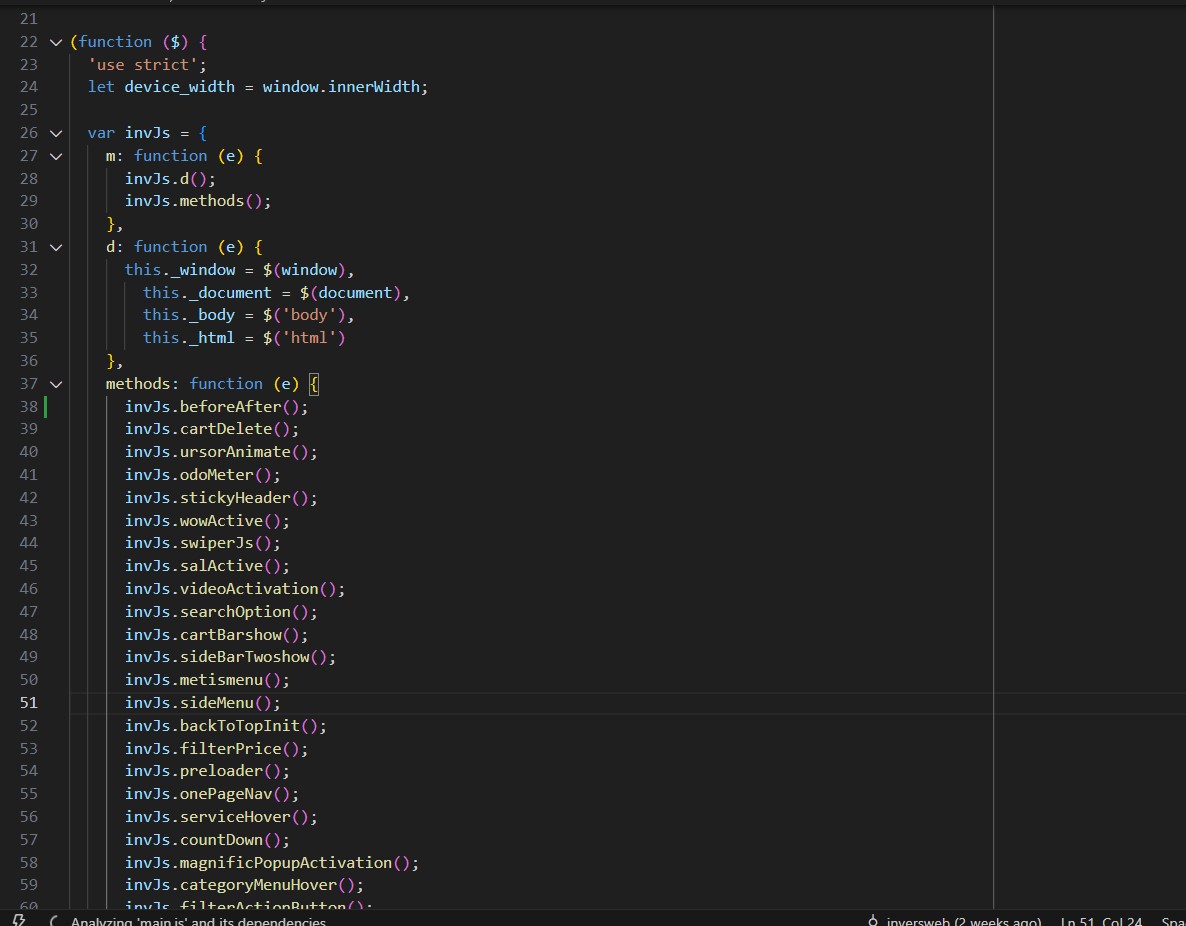
Before all that you have to edit your template and place your own contents by replacing old demo contents, in this case, you will need a code editor such as – VScode, Sublime Text, etc. When template editing is done using editor, save the files and folder and go ahead to upload template files on live server.
2. Uploading to Live Server Using FTP:
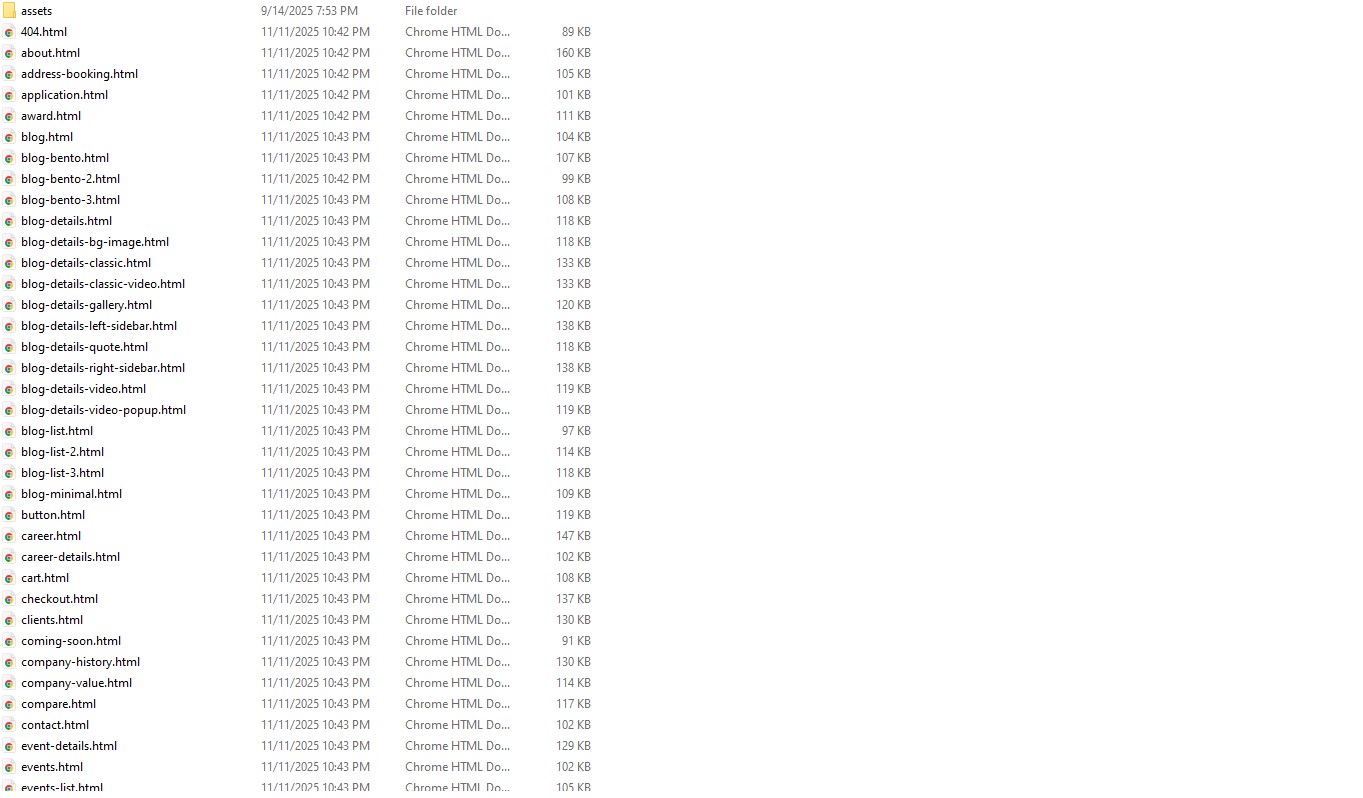
First of all, If you don’t have your template on your computer, download Aiagen template to get started, when download/purchase complete you will get a package like this screenshot (after unzip).
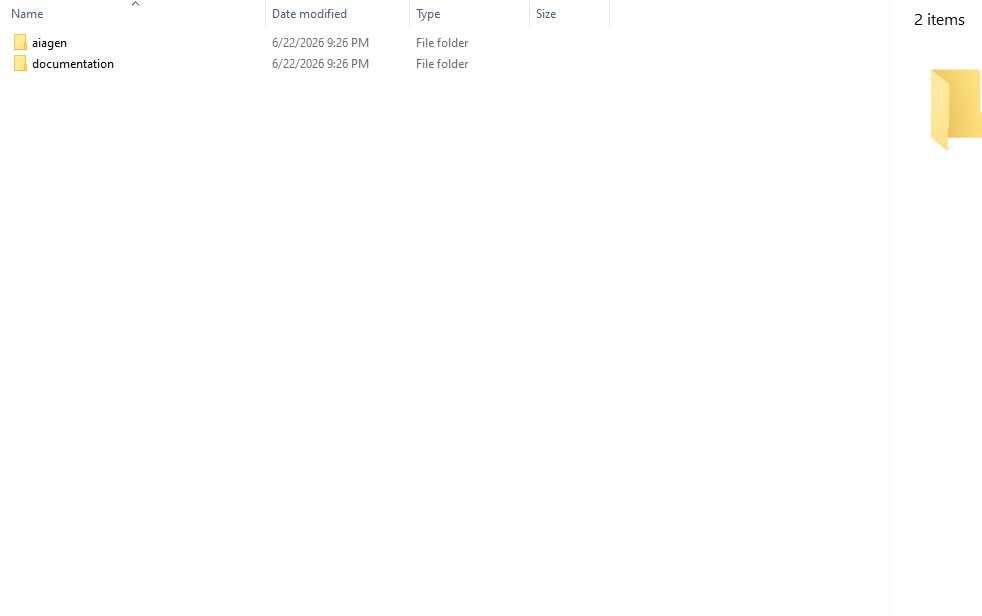
3. Package comes with documentation unzip the download package, you’ll found a folder with all template files, like above screenshot.